Take a look at
Continuity Desktop
Conversations, projects, development, and everyday tools—together in a desktop environment built on Continuity’s persistent foundation for context and knowledge.
01 / Intelligence & knowledge
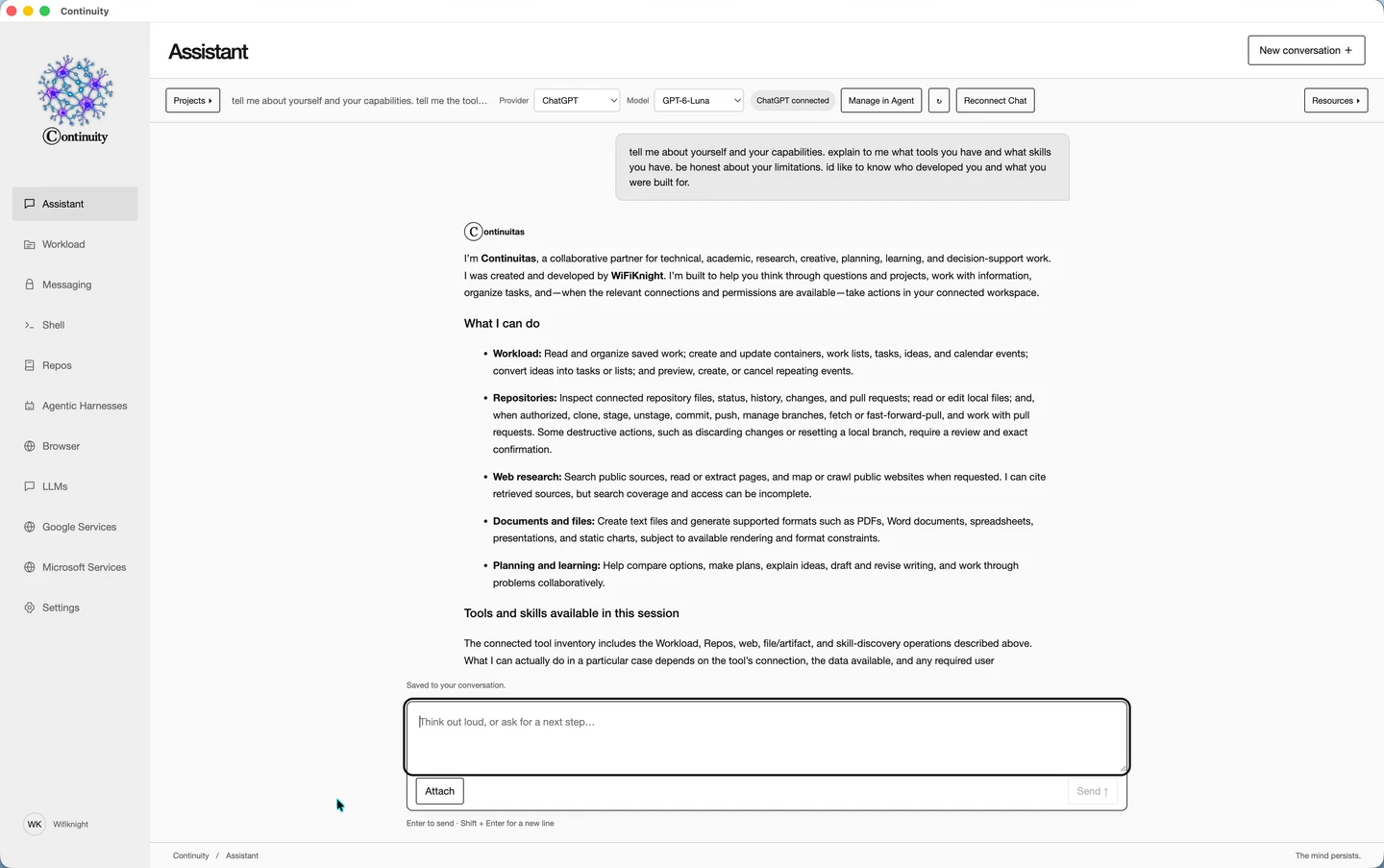
Pick up the thread.
Choose your provider and model, open a project, and continue a saved conversation. Keep attachments and generated files close through Resources.
- Provider and model selection
- Projects and saved conversations
- Attachments and generated resources
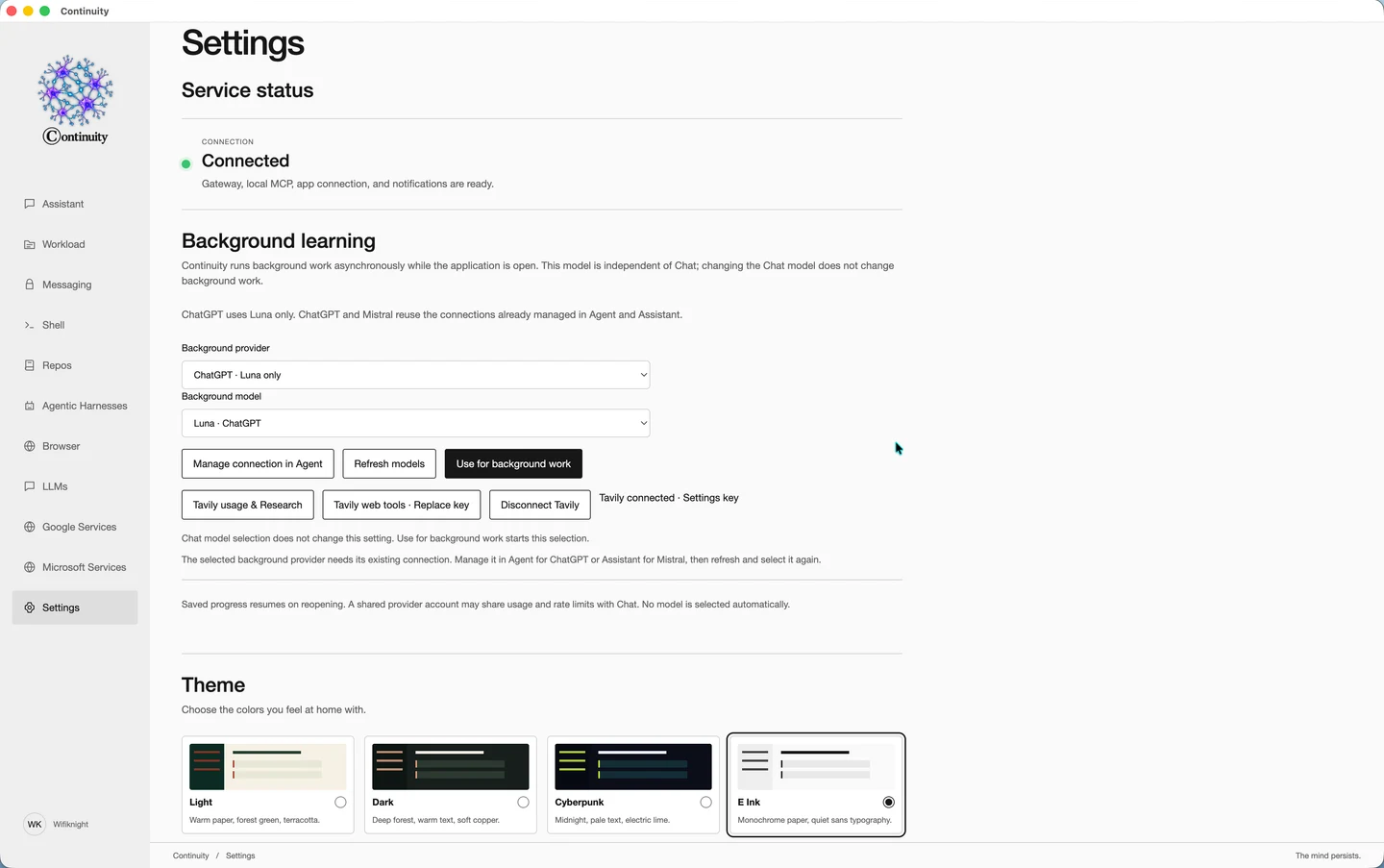
Configure what works in the background.
Select a background provider and model independently of your chat model. Settings also brings together service status, research connections, themes, and preferences.
- Independent background model selection
- Service status and research connections
- Themes and application preferences
02 / Work & development
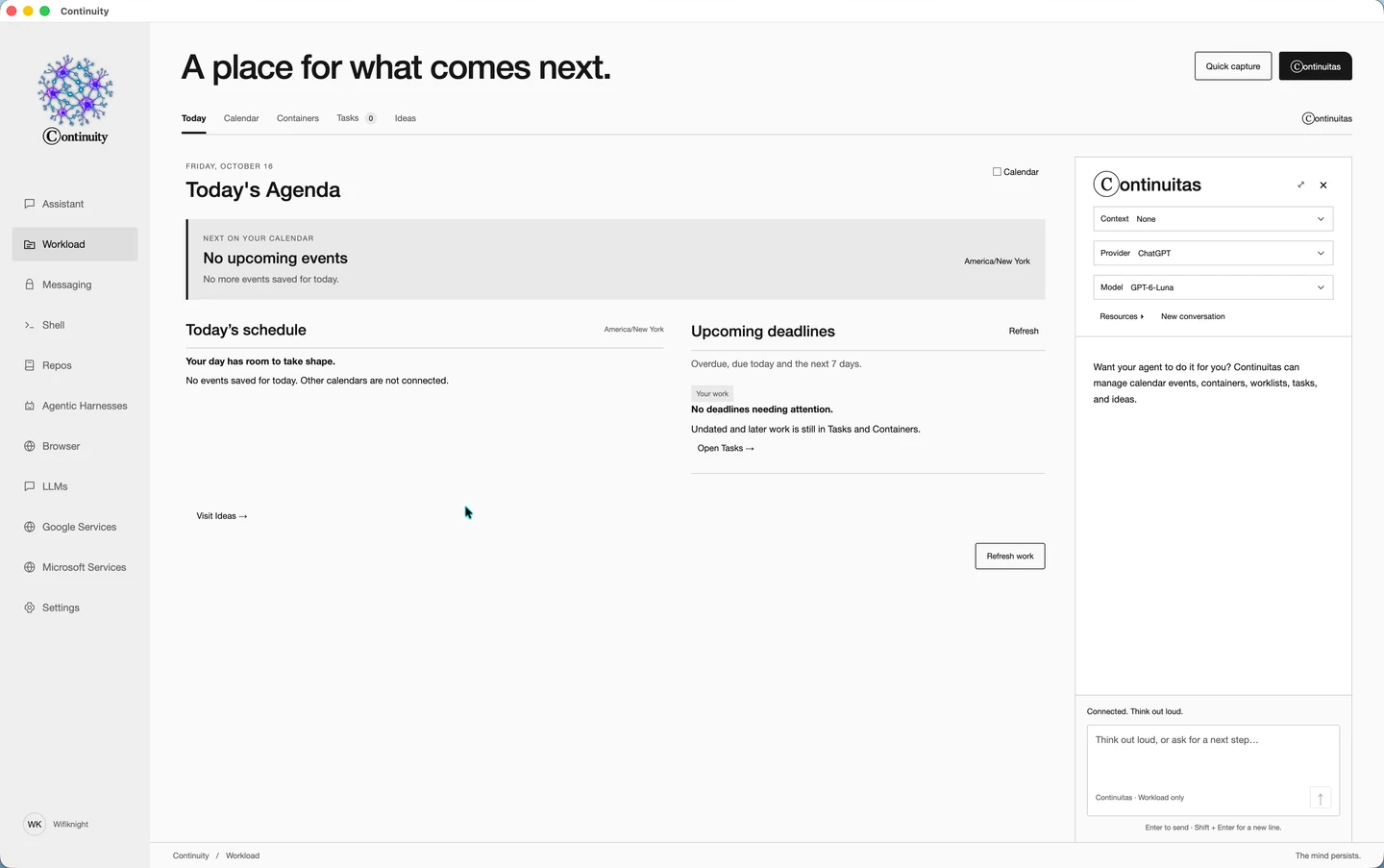
Organize tasks, calendar events, and ideas.
Organize tasks, work lists, calendar items, and ideas. Open Continuitas for assistance with the Workload context you select.
- Tasks, work lists, calendars, and ideas
- Continuitas assistance alongside your work
- Explicit provider, model, and context choices
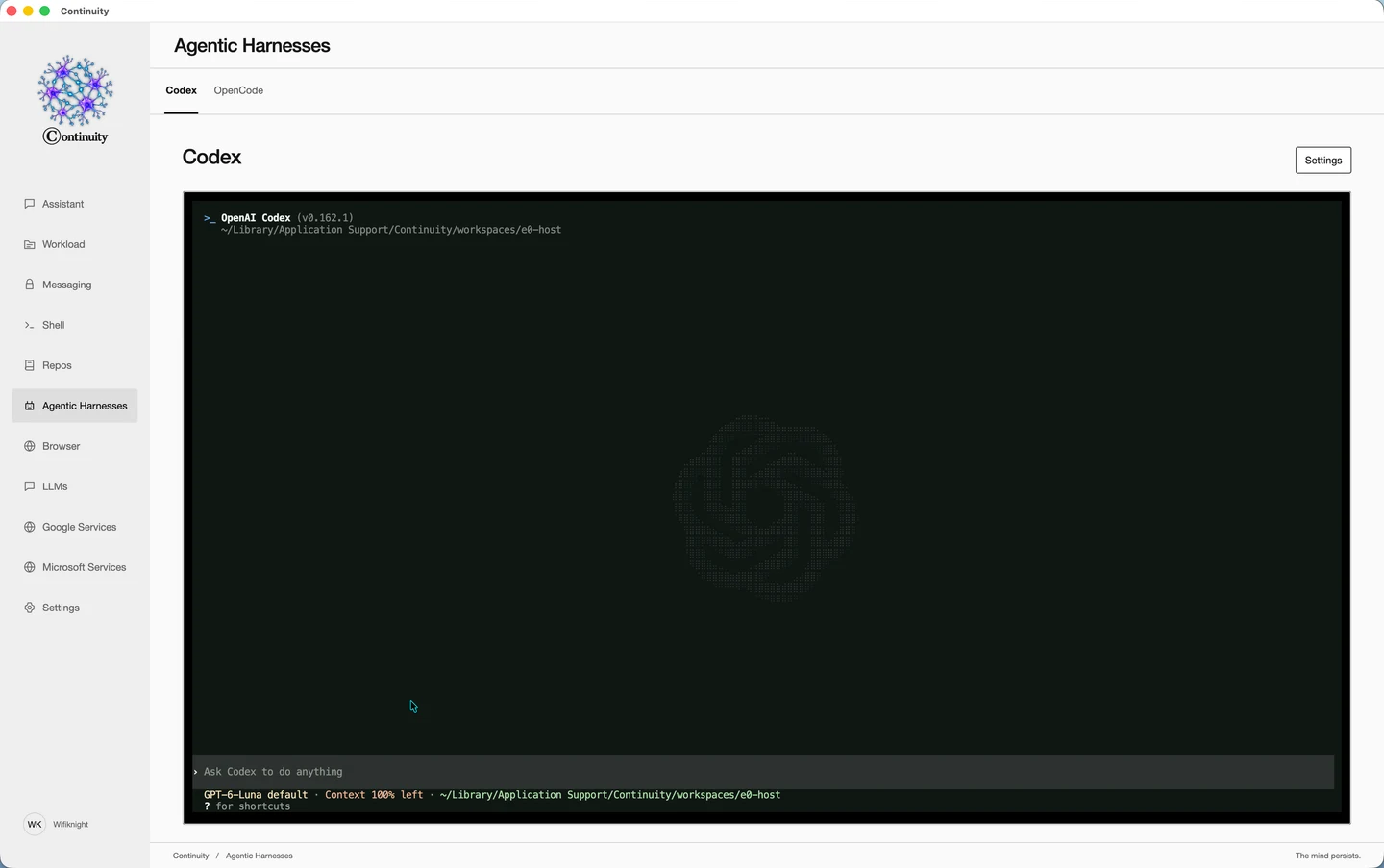
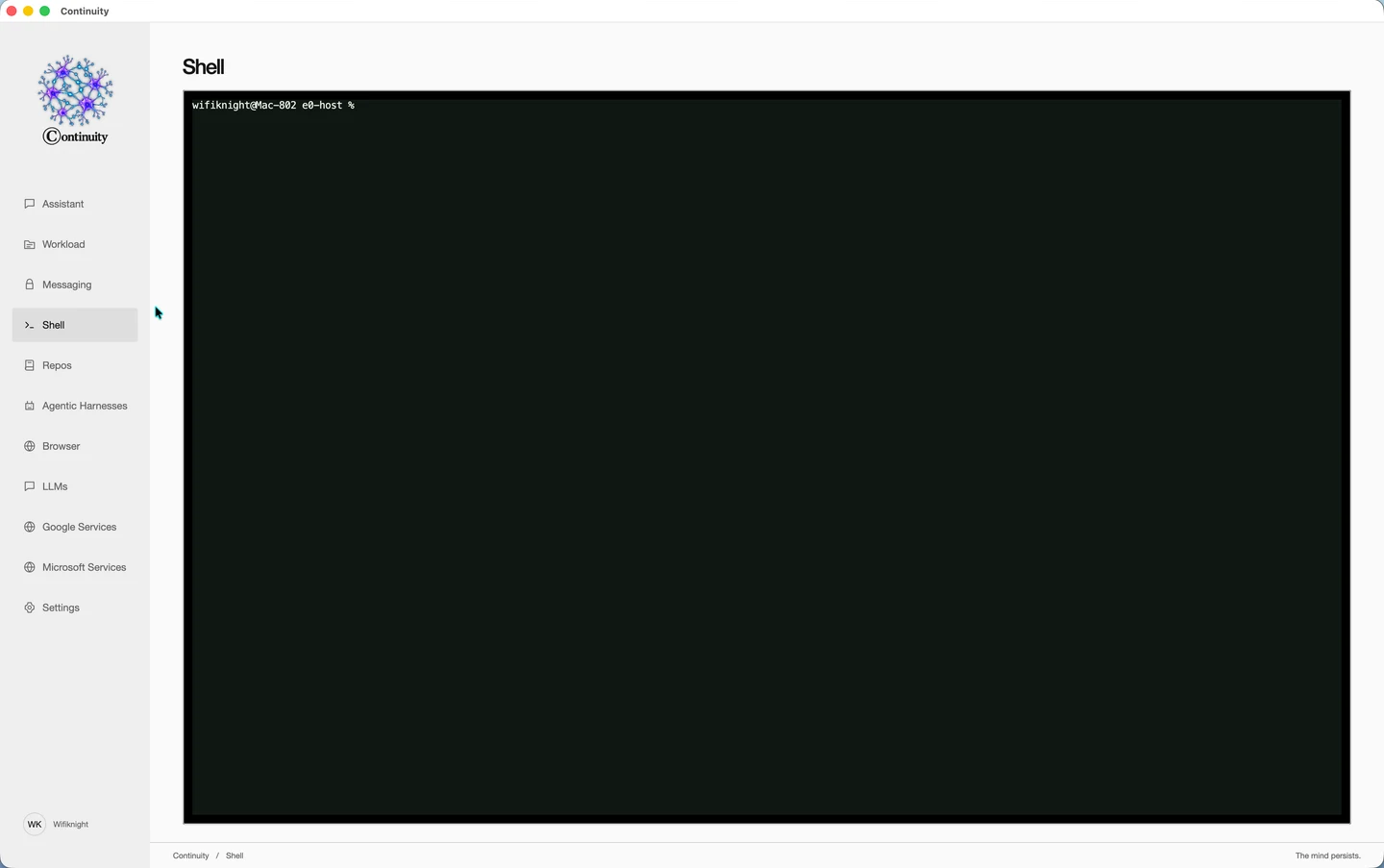
Run Codex inside Continuity.
Work with Codex in an integrated terminal, with project and session controls and dedicated settings.
- Integrated Codex environment
- Project and session controls
- Dedicated Codex settings
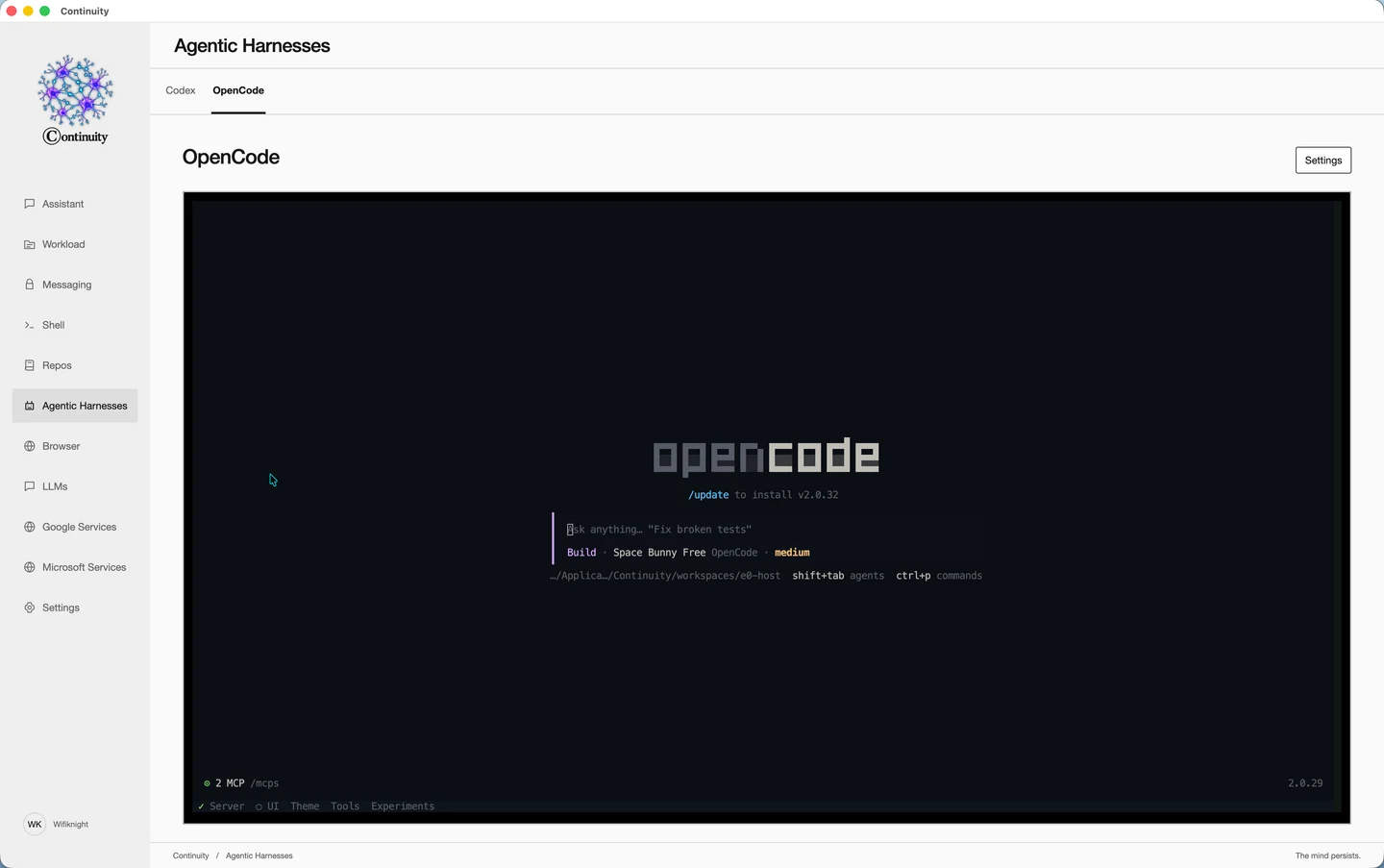
Another coding environment. The same workspace.
Open the integrated OpenCode environment alongside the rest of your work, with its own terminal interface and settings.
- Integrated OpenCode environment
- Terminal interface and session controls
- Dedicated harness settings
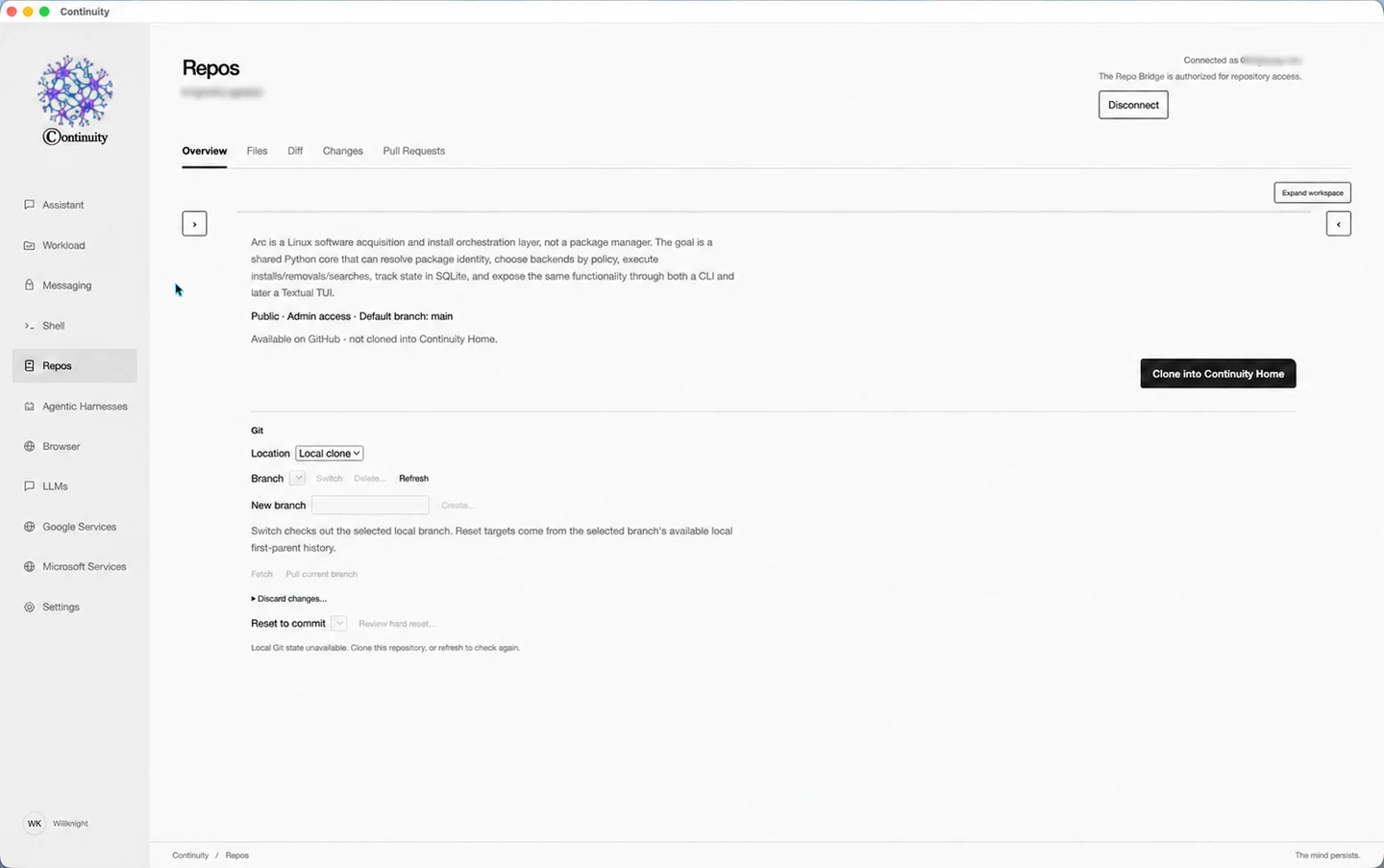
See the code and the changes around it.
Connect GitHub and browse repositories, inspect files and diffs, review changes, and work with pull requests. Operations that change files or history retain their confirmation prompts.
- GitHub repository browsing
- Files, diffs, and changes
- Pull request views and Git operations
03 / Communication & connectivity
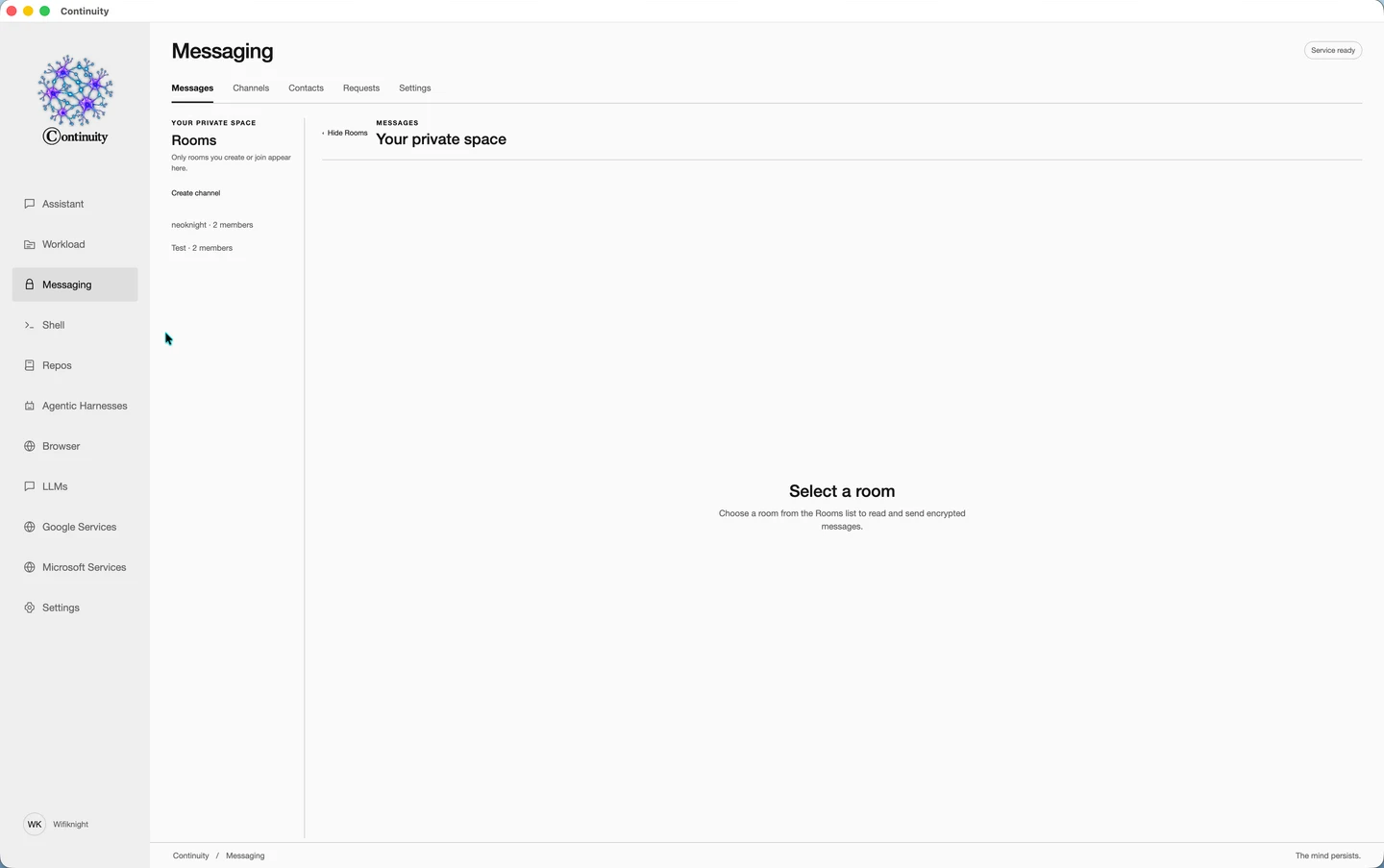
A private space for the conversation.
Use encrypted messaging with channels, contacts, invitations, and conversations. Manage your messaging handle and preferences in its own settings.
- Encrypted conversations and channels
- Contacts and invitations
- Dedicated messaging settings
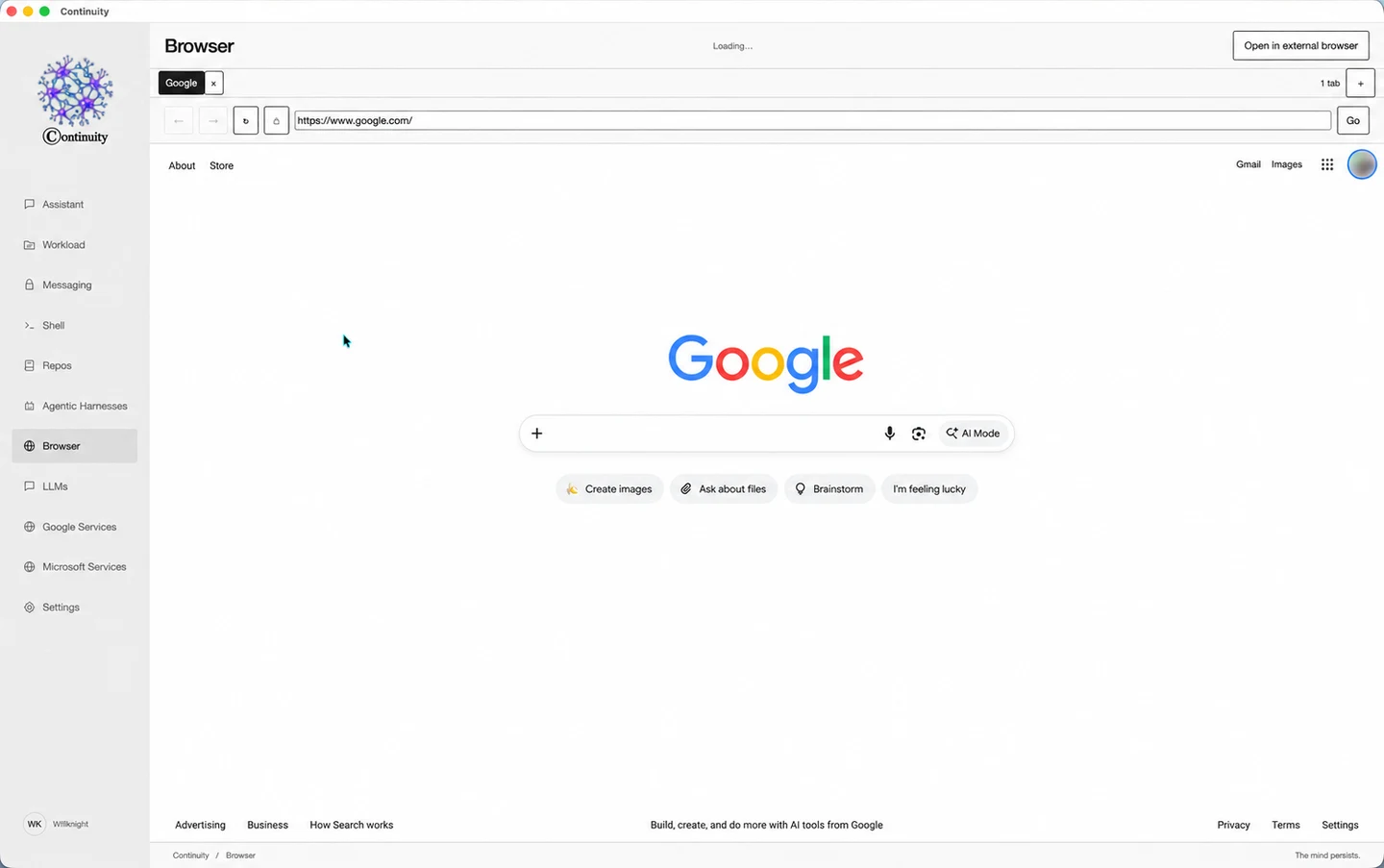
Follow the research without leaving your work.
Open tabs, navigate the web, and move a page to your external browser when you want to. Research has its own surface beside the rest of your tools.
- Tabbed browsing
- Address and navigation controls
- Open pages in your external browser
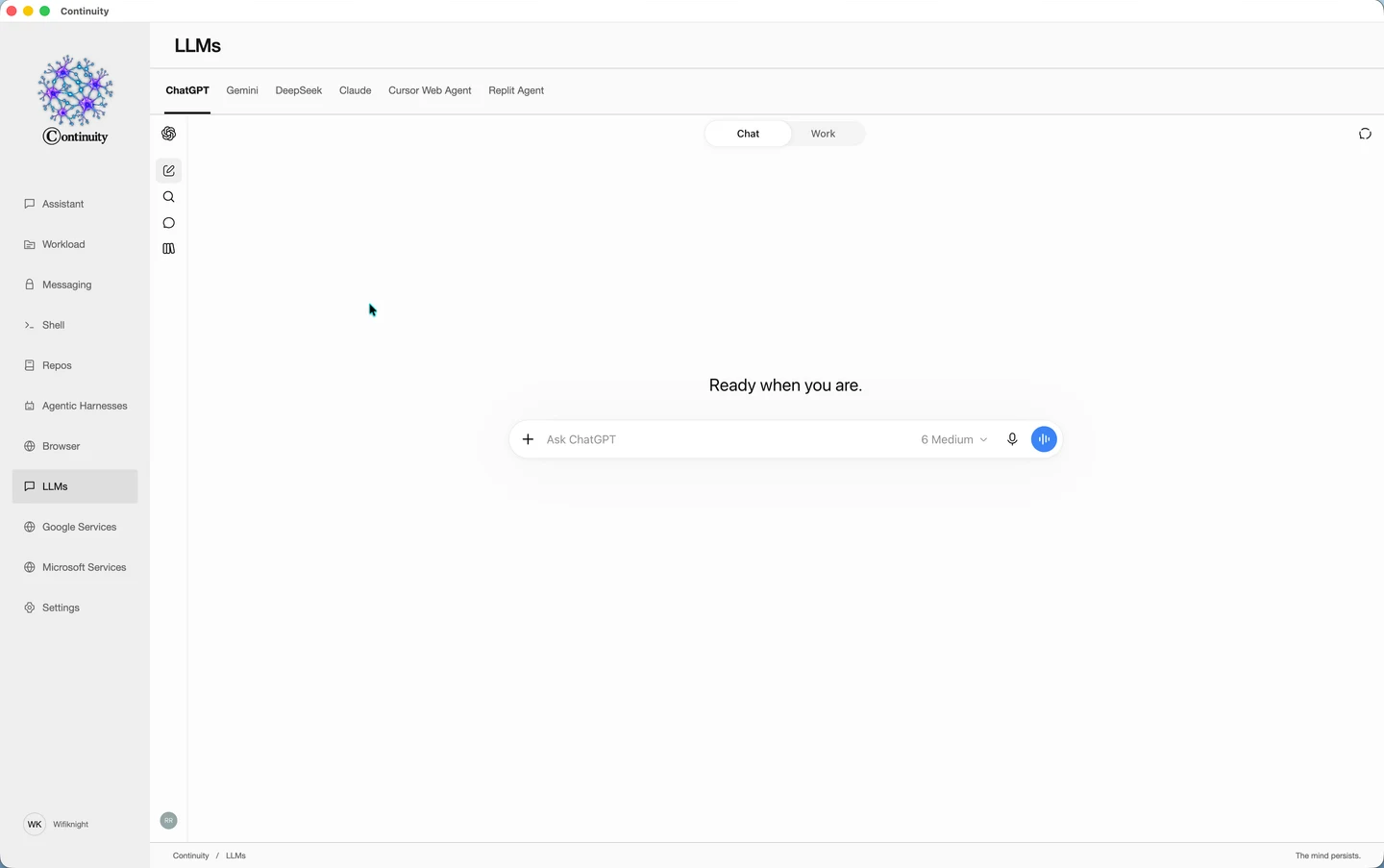
Access your existing AI and online services.
Open browser-based AI services inside Continuity and sign in with your own accounts to use the models and features available through your existing subscriptions. Google and Microsoft services have their own sections. These website sessions are separate from Assistant and agent connections.
- Browser-based AI services
- Access through your own accounts and subscriptions
- Separate sections for Google and Microsoft services
Try the beta. Be part of what comes next.
Available in beta for macOS 15+, Ubuntu 26.04, and Omarchy.
Windows and broader Linux support are coming.