Downloads

Download
Continuity Desktop.

Choose your platform and get the latest published beta build.

Interested in the beta? Contact the developer to unlock downloads.

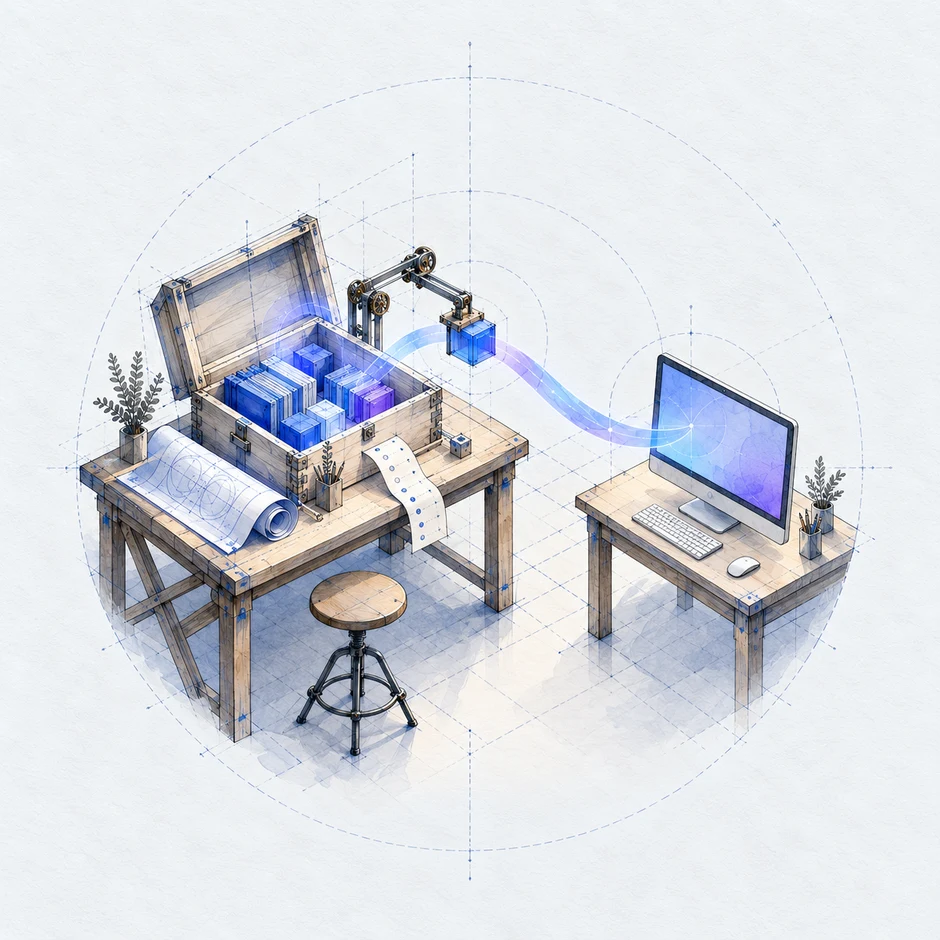
A prepared release of blue components travels from a drafting workbench to a desktop computer.

macOS (Apple Silicon)

macOS 15 or later · ARM64

Find current installer details on GitHub Releases.

View releases

Ubuntu 26.04

Ubuntu 26.04 · x64

Find current installer details on GitHub Releases.

View releases

Omarchy 4 / Arch

Omarchy 4 / Arch · x64

Find current installer details on GitHub Releases.

View releases

Installers are hosted on GitHub. Each platform lists its latest published build.

Get started

First launch.

A few things to have in place before you begin.

  1. Install the application.

    Use the installer and instructions for your platform above. Leave Continuity open with an internet connection while the first launch prepares its runtime.

  2. Prepare the local database.

    Continuity uses Docker for its local database. Its setup guide can help install missing prerequisites. Linux also needs an available, unlocked desktop keyring.

  3. Sign in with your approved account.

    Complete Continuity’s sign-in and installation approval, then connect the providers and services you want to use.

Windows and broader Linux support coming soon.

View release history
Get involved

Tell me what interests you.

Write to the developer about testing Continuity, joining development, or investment.

Your interests (choose one or more)

Your email and message will be processed by Formspree and sent to the developer so they can respond to your inquiry about Continuity. They won’t be added to a mailing list.